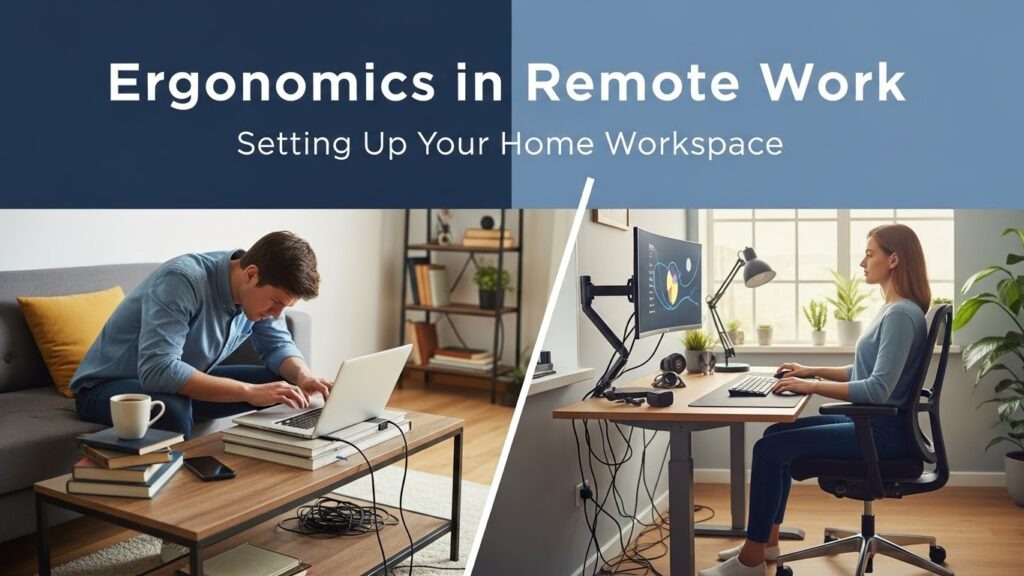
Ergonomics in Remote Work: Setting Up Your Home Workspace
With remote work becoming more common, many people are working long hours from home often at a kitchen table, couch, or even bed. While convenient, these setups can cause muscle strain, back pain, and fatigue if ergonomics are ignored. A properly designed home workspace is essential for both comfort and productivity.
Here’s how to setup right;
🪑 1. Choose the Right Chair
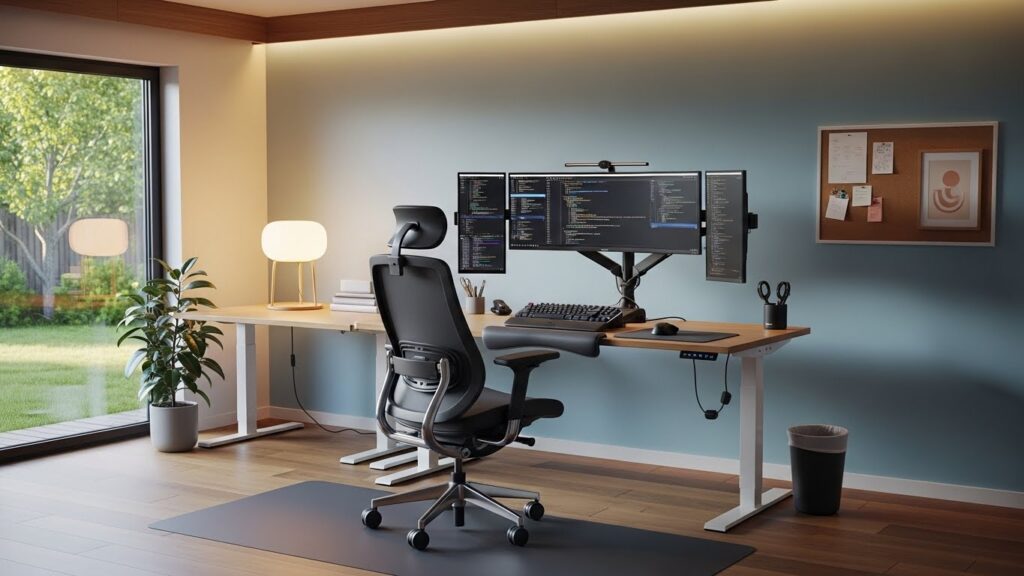
A supportive chair with lumbar support is ideal.
Your feet should rest flat on the floor, with knees at roughly 90 degrees.
Avoid soft couches or stools for long work periods.
🖥️ 2. Position Your Screen Correctly
The top of the monitor should be at or slightly below eye level.
Keep your screen about 50–70 cm from your eyes.
Use a laptop stand or external monitor if needed.
⌨️ 3. Keyboard and Mouse Placement
Keep elbows close to the body and bent at around 90 degrees.
Wrists should stay neutral, not bent upward or downward.
Consider an external keyboard and mouse for laptops.
🌿 4. Create Movement Breaks
Follow the 20-8-2 rule: sit 20 min, stand 8 min, move 2 min.
Take microbreaks every 30–45 minutes to stretch and walk.
Simple stretches for shoulders, neck, and wrists can reduce fatigue.
💡 5. Pay Attention to Lighting
Use natural light where possible.
Avoid glare on screens and ensure even lighting to reduce eye strain.
Task lighting can help for reading or detailed work.
✅ Final Thought
Working from home offers flexibility, but it can also introduce ergonomic risks if not set up properly. A few small adjustments the right chair, monitor height, keyboard position, and regular movement can make a big difference in comfort, productivity, and long-term health.